Skip to main content
How to change an Individual Page to a Team Page
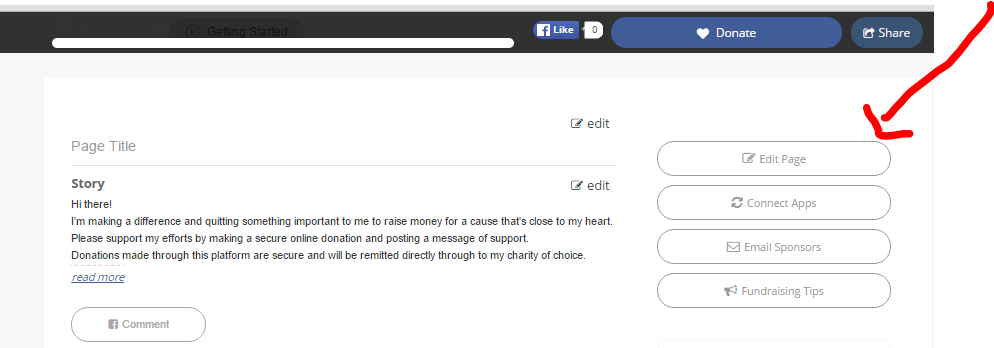
- Visit your fundraising page, and click Edit Page (or Login to Edit, if you are not yet logged in)
- Click Settings and Options to expand that section.
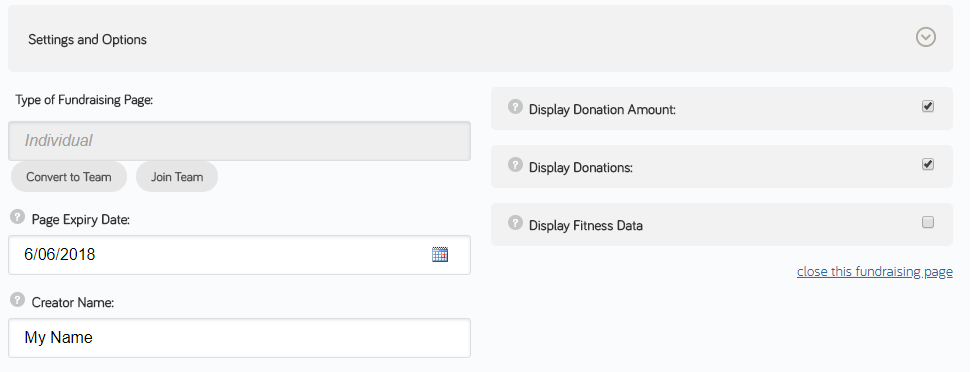
- Under Type of Fundraising Page select Convert to Team
- Click Save to update your page
- You now have Team Page that individuals can choose to join. See How to Join a Team Page for more details